Darshan Tech Solution
Download Aadhaar Online - YouTube Video
To Download Aadhaar card , follow these steps:
1. Visit the UIDAI Official Website
Go to the official website of the Unique Identification Authority of India (UIDAI) at https://myaadhaar.uidai.gov.in/.
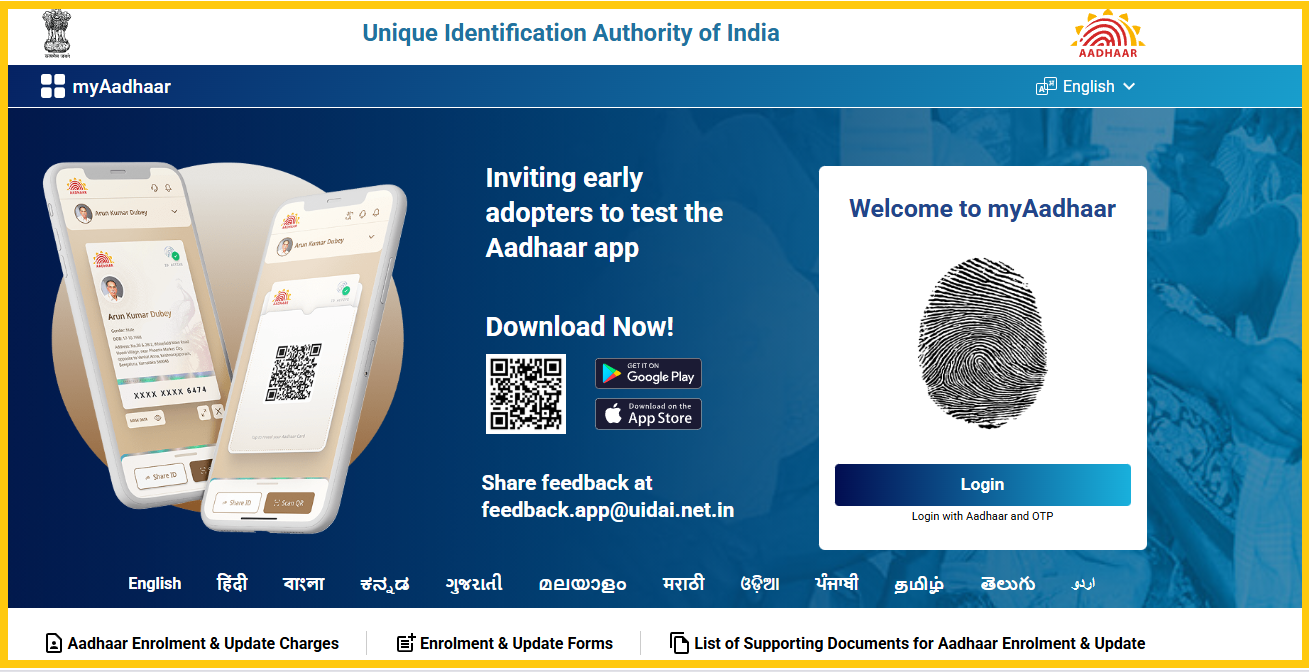
2. Login with Aadhaar
You will need to log in with your Aadhaar number. Enter your 12-digit Aadhaar number and the security code. You will receive an OTP (One Time Password) on your registered mobile number.
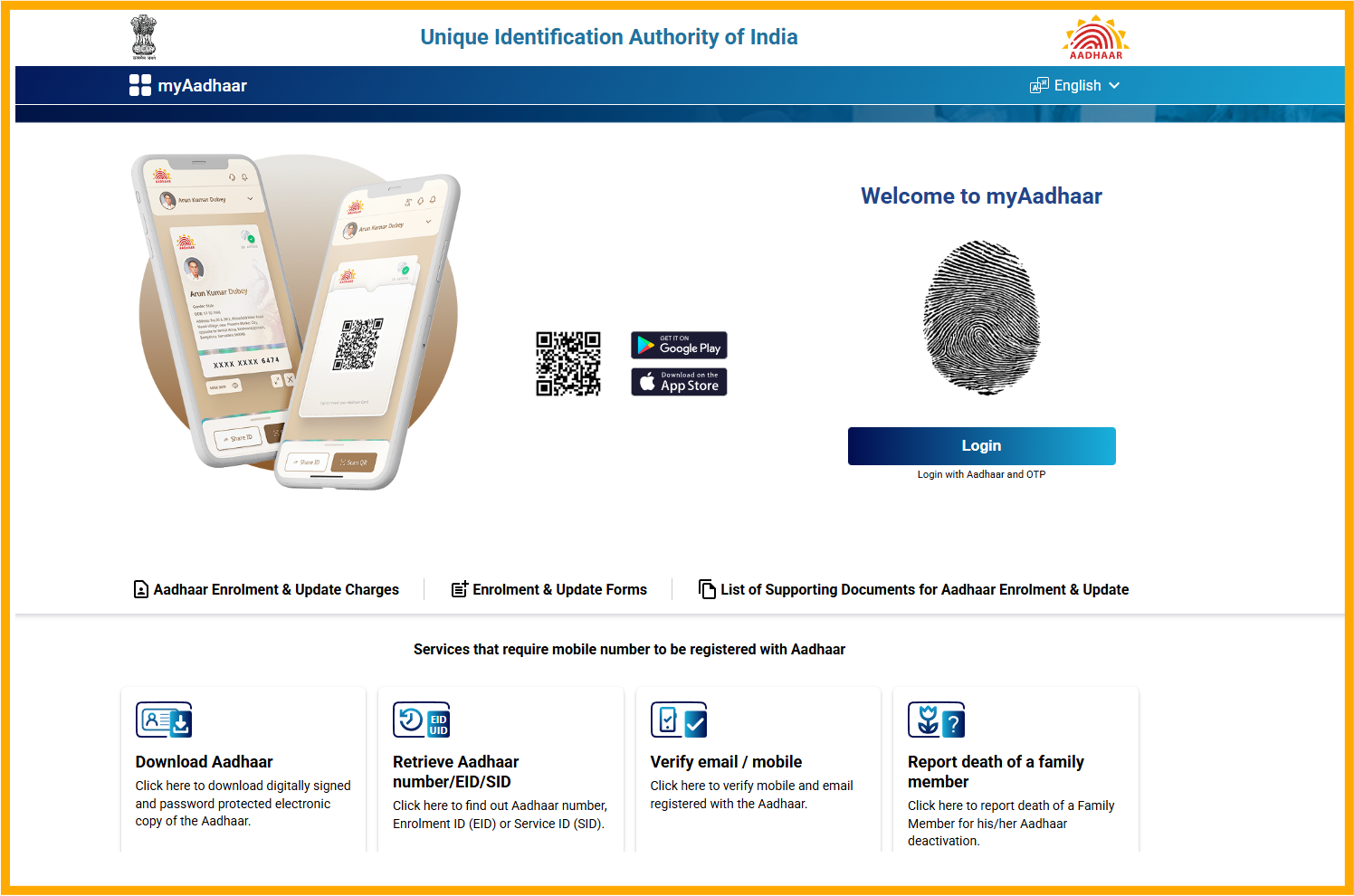
4. OTP Verification
Enter the OTP you received on your registered mobile number to verify your identity.
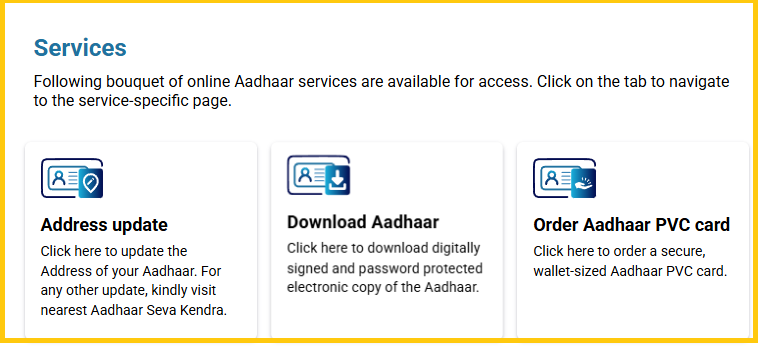
5. Download Aadhaar
Once you are logged in, you can find the download aadhaar link under Services.
Watch on You Tube
Aadhaar Services
- Address Update: To update address in Aadhaar
- Order PVC Aadhaar: Instead of Download aadhaar, you can order the PVC card with the online payment - Watch youtube video
- Document update: To do Document update. Watch youtube video
- Bank Seeding Status: You can know your aadhaar linked bank account details
- Lock / Unlock Biometrics: In this service, can able to lock and unlock your Aadhaar.
Follow on my Social Media


